
Re:amaze supports Instagram Ads as a dedicated support channel, allowing you to respond to customer comments on your ads directly from your Re:amaze inbox. This integration is only available for ads published through Facebook Business and does not support ads promoted directly through the Instagram app.
Connect your Instagram Ads account
Navigate to Settings > Social Channels and select Add Social Channel. Select Connect Instagram Ads (via Facebook Business) and complete the authentication steps provided by Re:amaze and Facebook. You must be an admin user in the primary Facebook Business account for authentication to succeed.
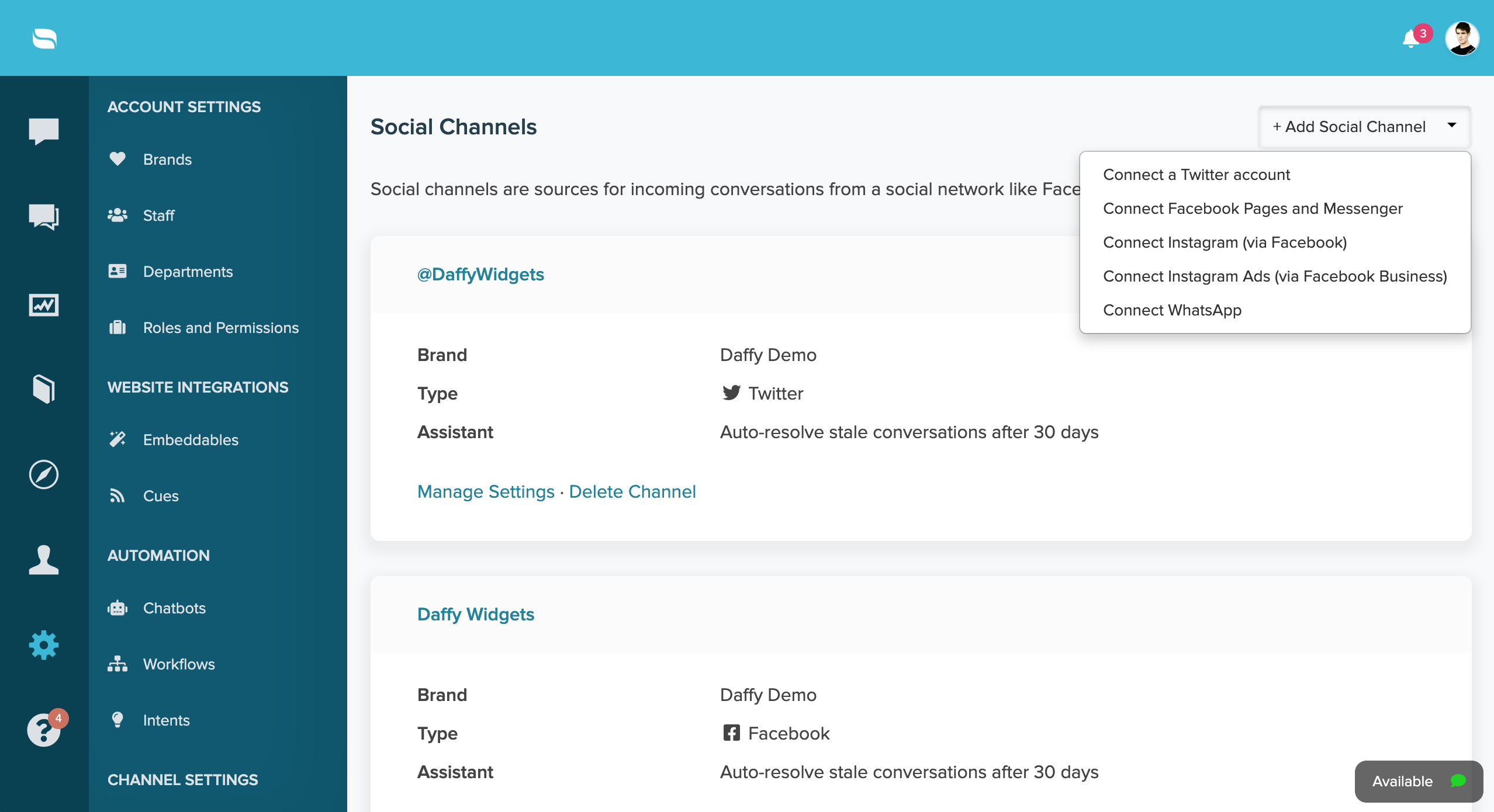
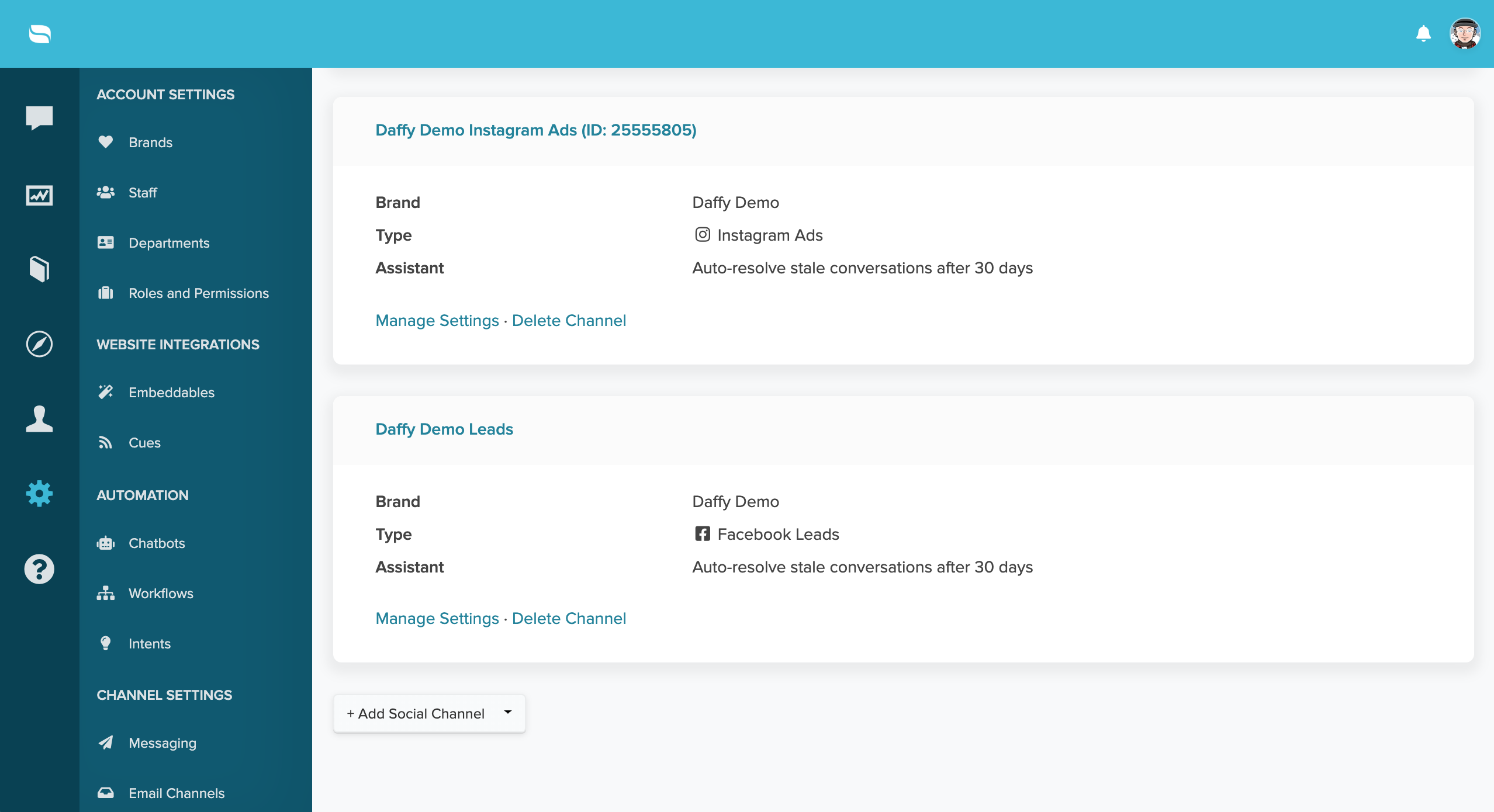
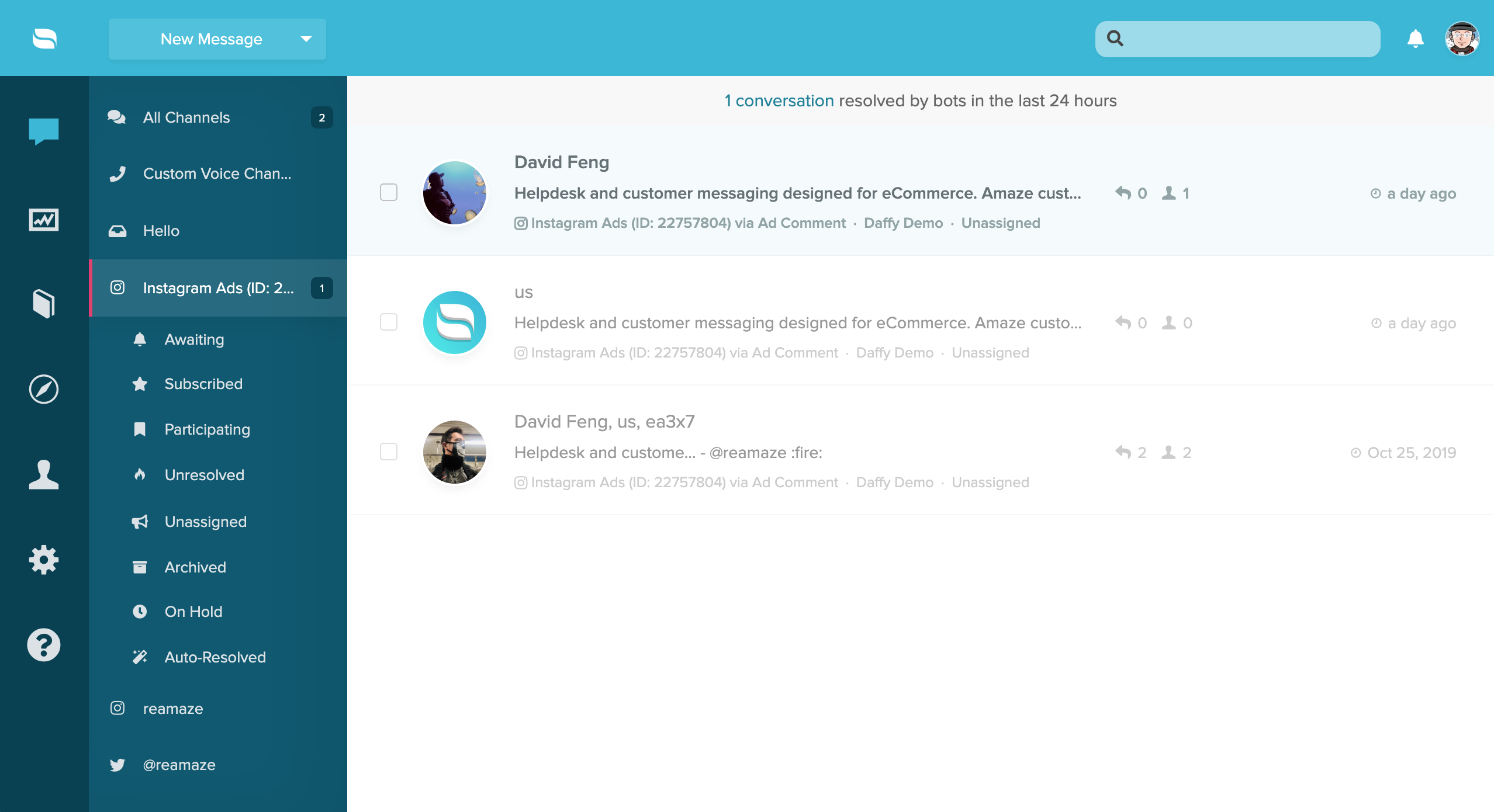
Once connected, your Instagram Ads account will appear as a separate channel in your social channels list and in your main dashboard inbox.
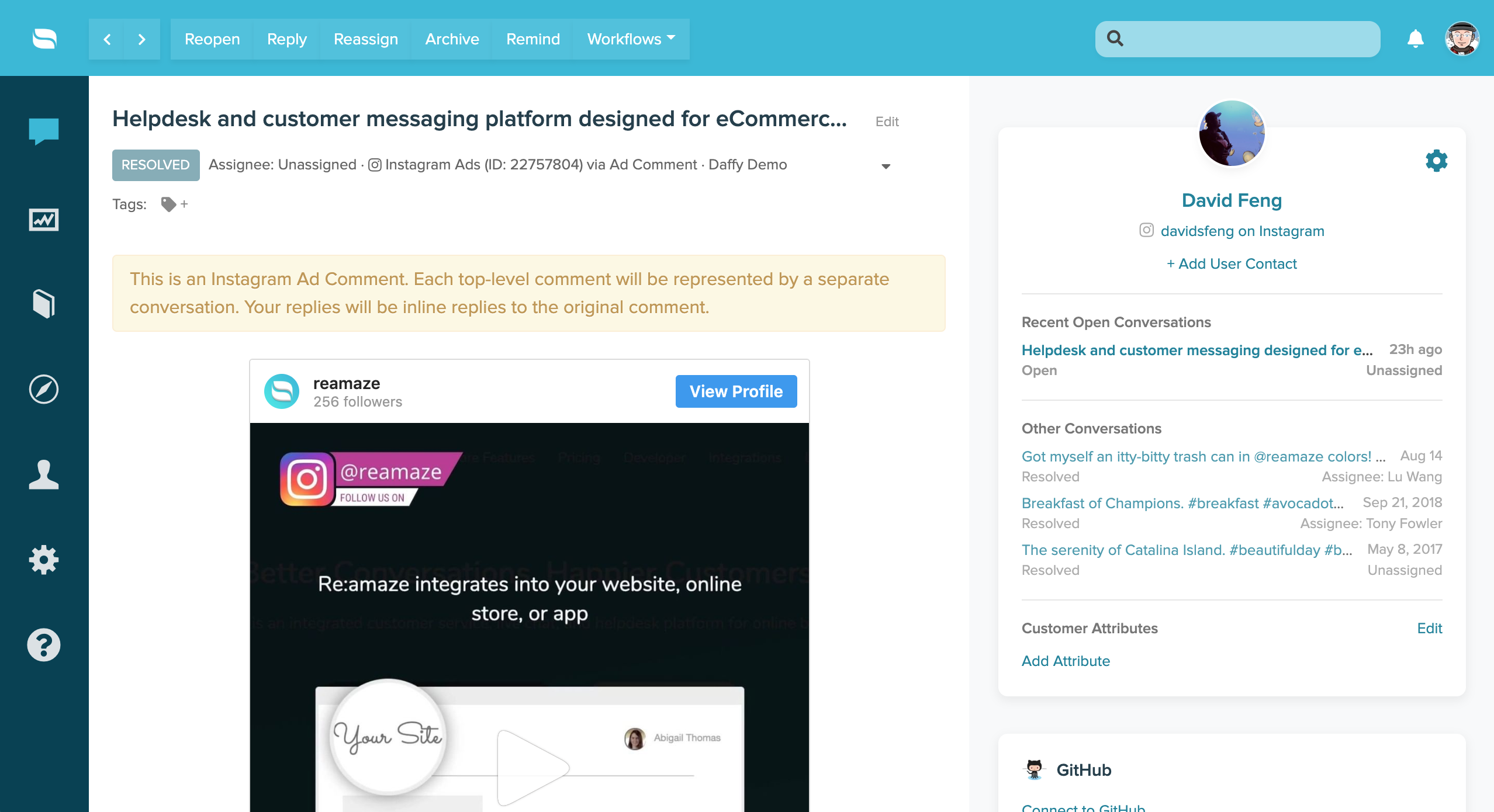
Each top-level customer comment on an Instagram Ad post will be represented as a separate conversation in Re:amaze. Your replies will appear as inline replies to the original comment on the ad.
What went wrong? (Optional)