
The Customization Settings menu is where you can adjust personal preferences for how Re:amaze behaves for you individually. Settings include your default composer format, signature display, department filters, unresolved indicators, reminder timing, and mobile swipe actions.
To access these settings, navigate to Settings > Personal Settings > Customization.
Replying to messages
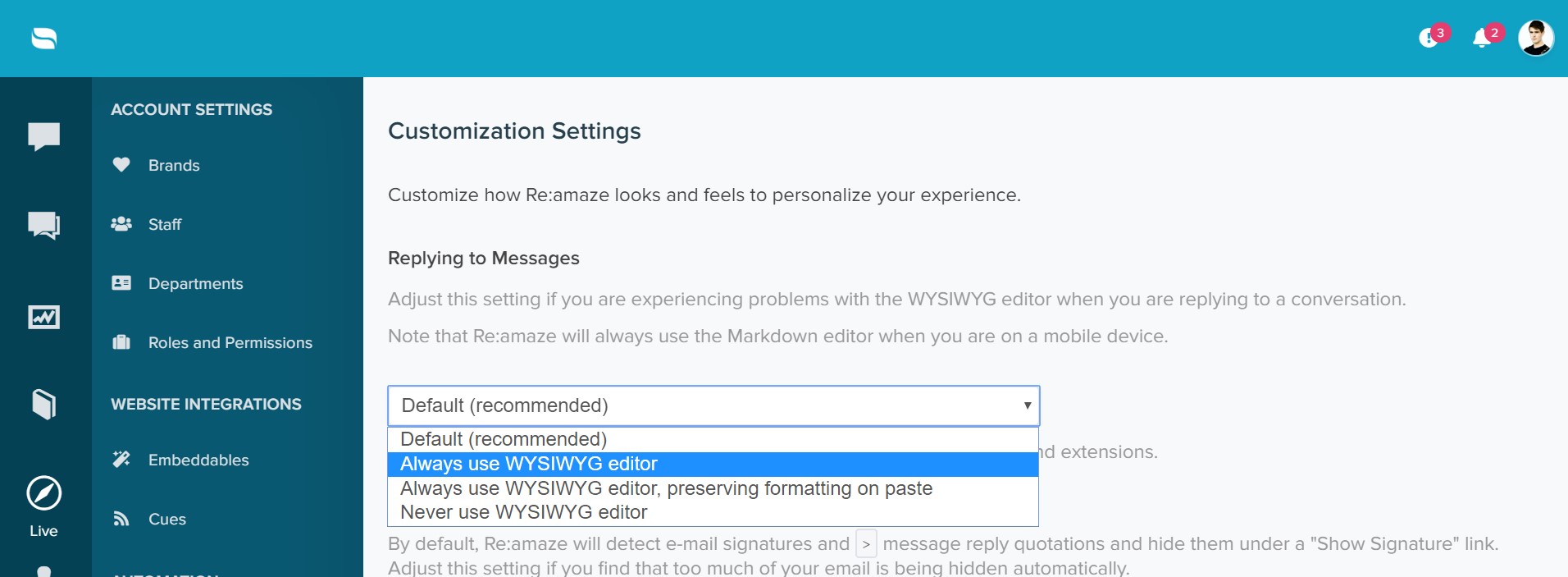
By default, Re:amaze uses a WYSIWYG composer for replies. You can switch the default composer to Markdown if you prefer.
Message Signatures
You can choose whether Re:amaze automatically displays signatures attached to customer messages. By default, Re:amaze hides these to reduce visual noise in the conversation thread.

Dashboard Filters
If you belong to a department, Re:amaze can display conversations assigned to that department within your Me filter. This setting is only relevant if your team uses the Departments feature.

Unresolved Indicator
When enabled, Re:amaze displays a red indicator in the browser tab favicon when there are unresolved conversations. You can choose which types of conversations trigger the indicator.

Default Reminder Time
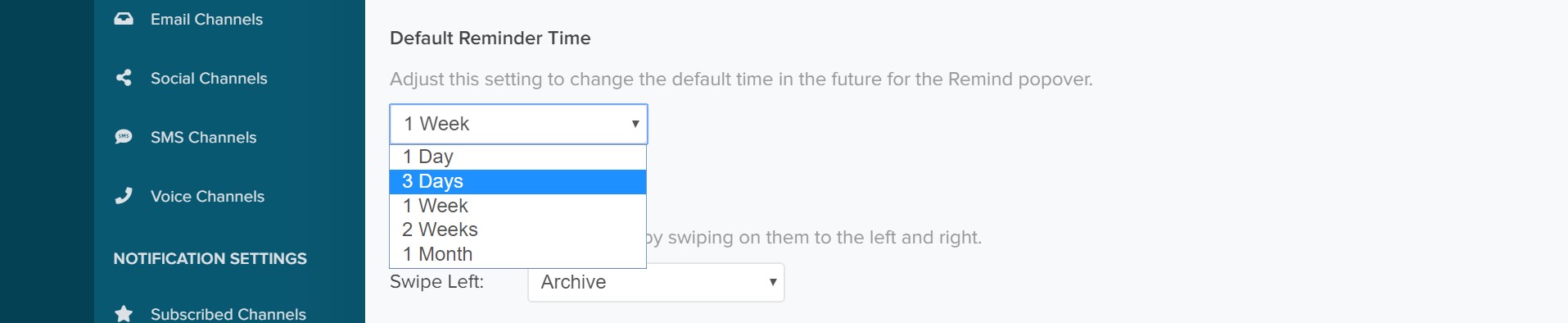
The default reminder time in Re:amaze is set to one week. You can adjust this to 1 day, 3 days, 2 weeks, or longer depending on your preference.
Inbox Swipe Actions
If you use the Re:amaze mobile app on iOS or Android, you can customize the swipe actions for your inbox.

What went wrong? (Optional)